Development

From the template to the agent that knows the repo rules.

Development

Ready-made templates & tech stack

Start with production-ready templates for frontend, backend, and homepage, including a prepared tech stack.

Flutter
Expo
Next.js
AngularComing soon
Vue.jsComing soon
SvelteComing soon
iOS Native
Android Native
NestJS
Express.jsComing soon
FastAPI
DjangoComing soon
Laravel
SymfonyComing soon
Spring BootComing soon
Hugo
Astro

Development

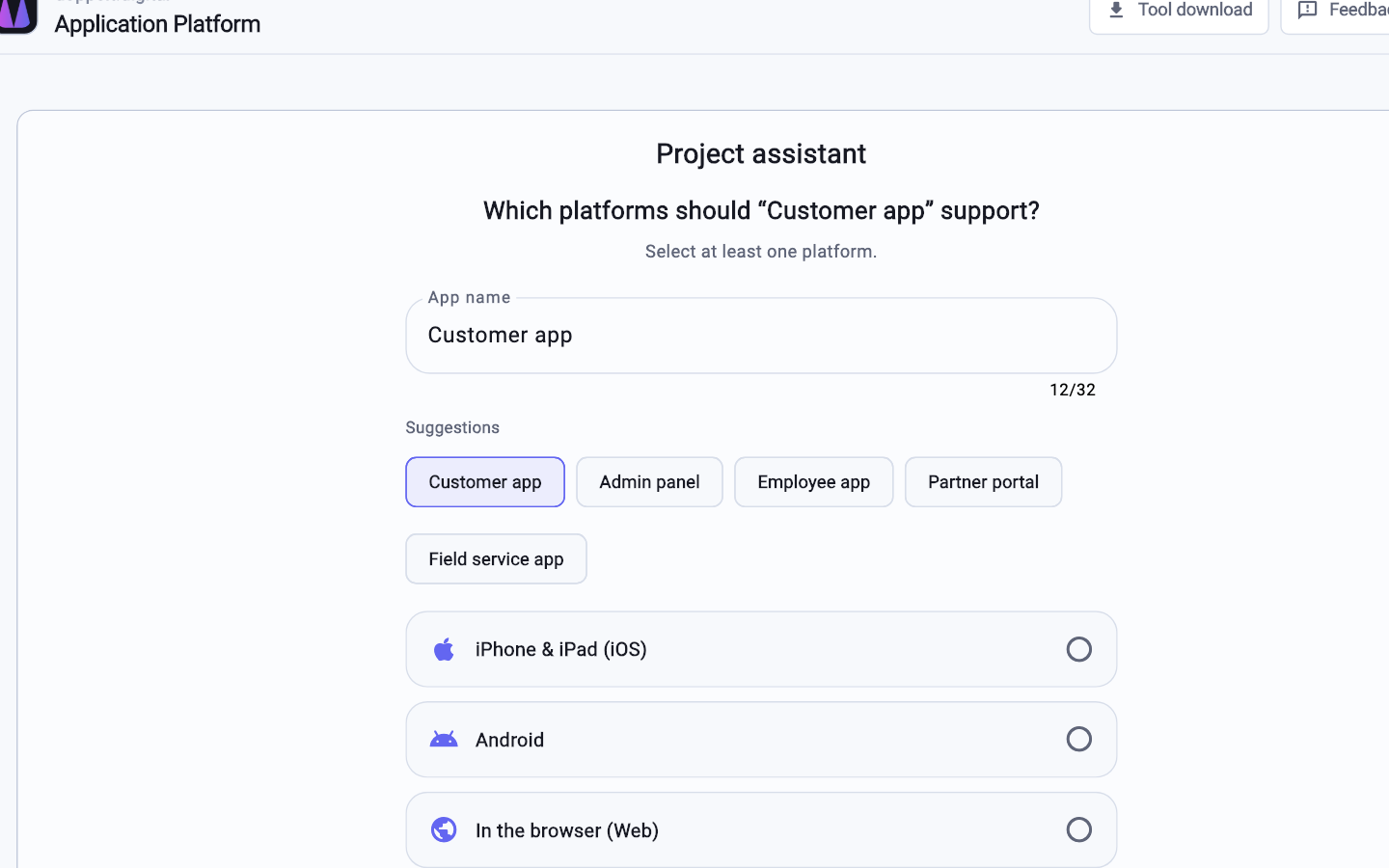
Set up new projects easily

Pick name, platforms, and components in the assistant , your project is ready in minutes.

Set up new projects easily

Development

Git repositories

Repos, CI, and credentials are ready when the project starts.

gitlab.application-platform.com / acme / customer-app
customer-app

iOS, Android, desktop

backend

API and data

homepage

Marketing site

e2e-tests

Playwright

gitops-configuration

What is live

local-configuration

run-local

gitlab-profile

CI defaults

Development

Work locally or in the cloud?

Entirely your call, we give you the ideal setup for both paths.

On your machineSetup app
$ ap run-local
  • Cursor, VS Code, Xcode
  • ap run-local
  • Simulator and browser
  • No VPN required

or

In the cloudWorkspace VM
workspace-ubuntu
  • Ready Ubuntu
  • Remote Desktop or browser
  • Works from a tablet too

Development

Automatic CI/CD pipelines

Every push follows the same path through test, build, publish, and release.

CI · customer-app
test-appTestsRunning
build-appBuildPending
publish-appPublishPending
release-appReleasePending

Development

Build & share packages

Docker images, Terraform providers, Terraform modules, Go, Python, NPM, and Dart packages are built in CI and published with access controls per project, organization, platform, or open source.

packages

Artifact types

Docker
Terraform
Go
Python
NPM
Dart

Access

Project
Organisation
Platform
Public

Development

ap CLI

Create, clone, and run projects locally, all from the terminal.

~/kunden-app

$ ap login

Signed in as robin@acme

$ ap clone acme/kunden-app

3 repositories cloned

$ ap run-local

NestJS :3000 · Flutter :8080

$

Development

AI agents and MCP

Claude Code, Cursor, and Codex know the project rules and talk to the platform through the agent plugin.

MCP

Import this repo into the Application Platform.

platform_projects_import_localok
platform_projects_createidle
platform_workspaces_listidle

Development

VS Code extension

Start buttons, repositories, and platform links right inside VS Code, Cursor, and Antigravity.

Extension

Application Platform

backend

ap run-local

Ready
customer-app

ap run-local

Ready
Open project

app.application-platform.com

Link

Development

Workspaces

Ready-made Ubuntu VMs in the cloud with every tool installed, reachable via remote desktop or browser.

workspace-acme.workspaces.vpn…

ubuntu@workspace-acme.workspaces.vpn…:3389

Development

API keys

CLI, CI, and your own scripts authenticate with personal keys, no browser login needed.

Personal key

ap_live_7f3c…9a21

CLI

ap login --token

Active
CI

GitLab variable

Active
Script

HTTPS header

Active

Create the first project

Start free. Repos, pipeline and hosting come with the project.

Create a project