


A customer takes over operations, another agency continues the work or a new colleague needs an overview. Configuration and access details need to be available and understandable. A summary written from memory can easily miss an environment variable, a login buried in a chat or a keystore kept on one person’s computer.
Since 5 August 2026, MainPath projects can be exported as PDFs. The document is generated from the saved project configuration.
A title page, introduction and optional credentials
The PDF opens with a title page and an introduction to MainPath. This gives the recipient context about the platform the project runs on.
You can choose to include credentials. For an overview during operation, leave them out. For a handover, the agreed scope determines which access details the next team needs.
Android upload keystores are also available as separate downloads. These keys are needed to continue publishing updates to an existing app.
Share confidential documents securely
A PDF containing credentials brings sensitive information into one file that would otherwise be protected separately across several systems.
Use a secure transfer channel and a storage location with restricted access. Keep the file only as long as it is needed. After the handover, the people involved should review which credentials need to be rotated. If the export is only for documentation, leave credentials out.
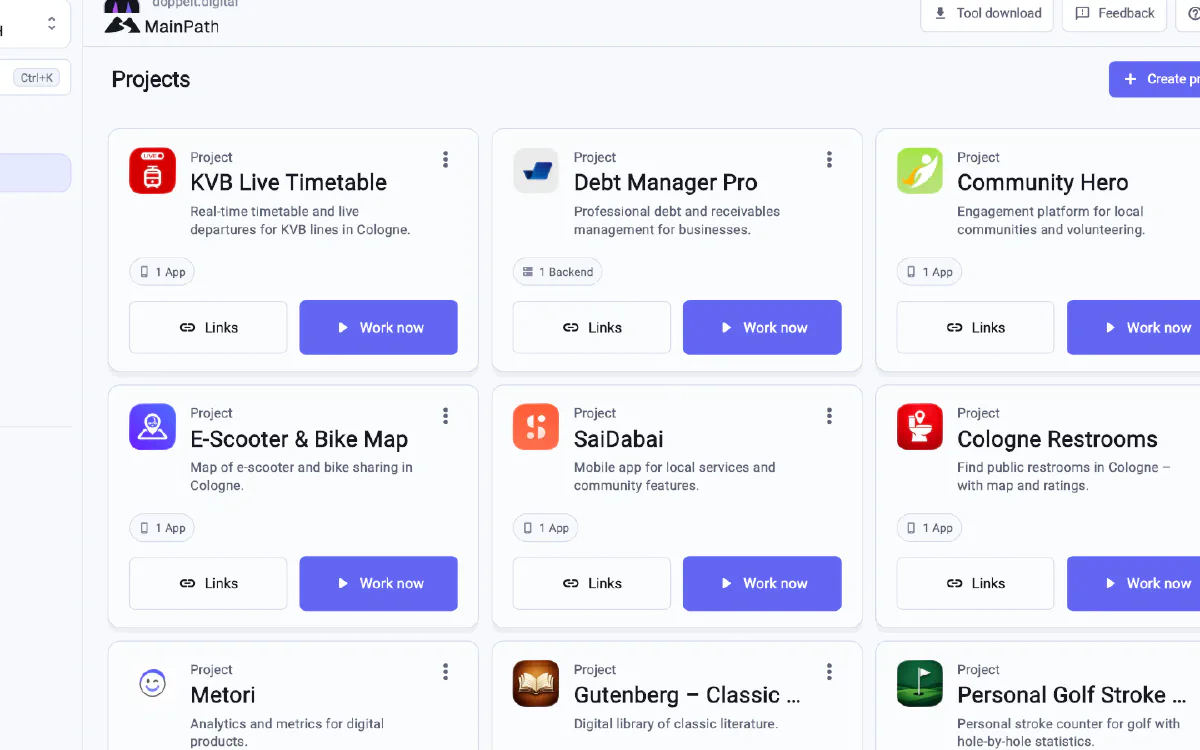
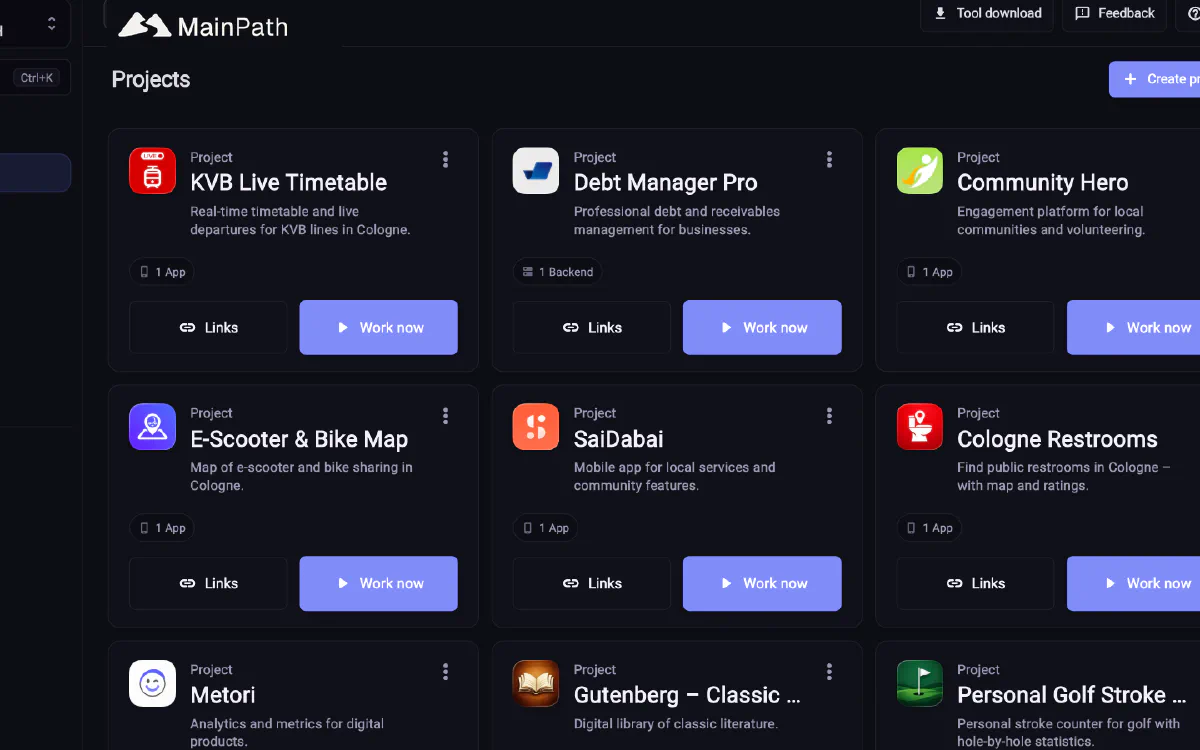
Review the project details before exporting
The export reflects the data maintained in the project. MainPath keeps credentials, environment variables and deployment configuration centrally. An audit log records changes, while roles control access.
Before a handover, check that the saved details still match the running project. An export cannot fill in missing information.
Three reasons to record the project state
Project completion. The customer or the next team receives a record of the saved configuration.
Joining during operation. Someone joining later can read which components belong to the project.
Changes in the team. Centrally maintained information helps transfer responsibility when the previous owner is no longer available.
Project records and contract documents serve different needs
At organisation level, the compliance area also provides contract documents as PDFs and a ZIP export. Project documentation describes one project, while compliance documents cover the legal framework around it.
The pages for agencies and for freelancers explain how they organise customer projects.