


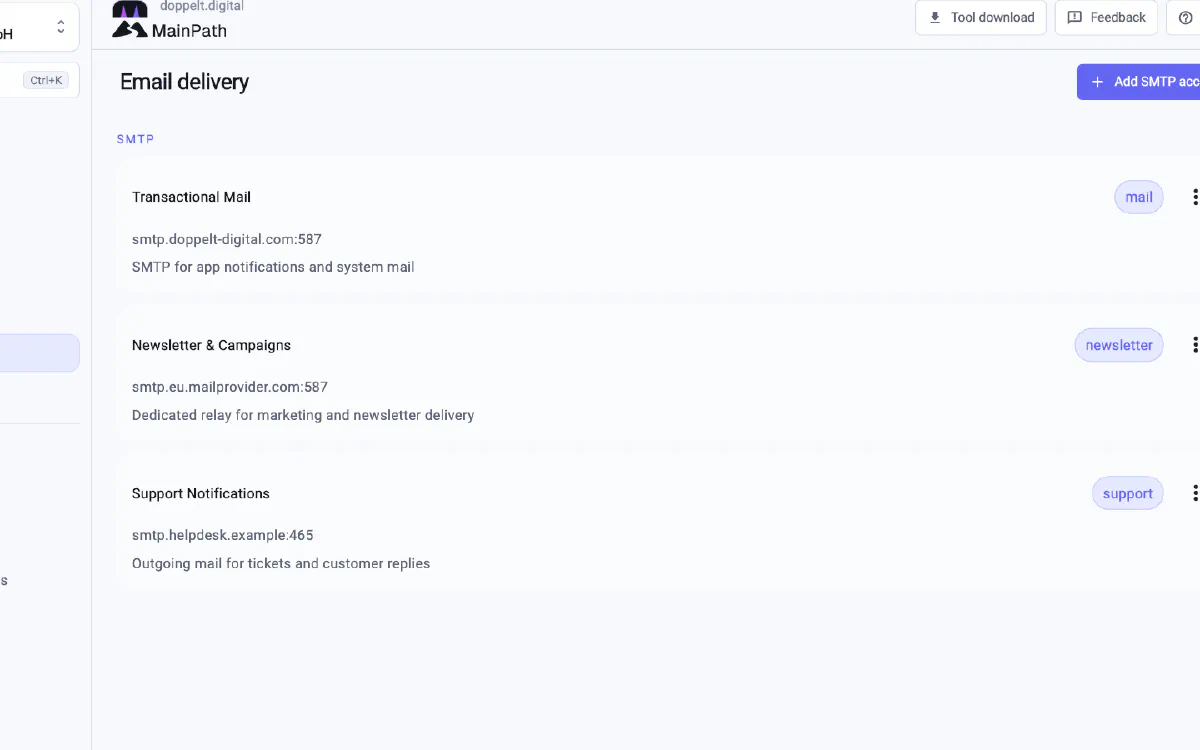
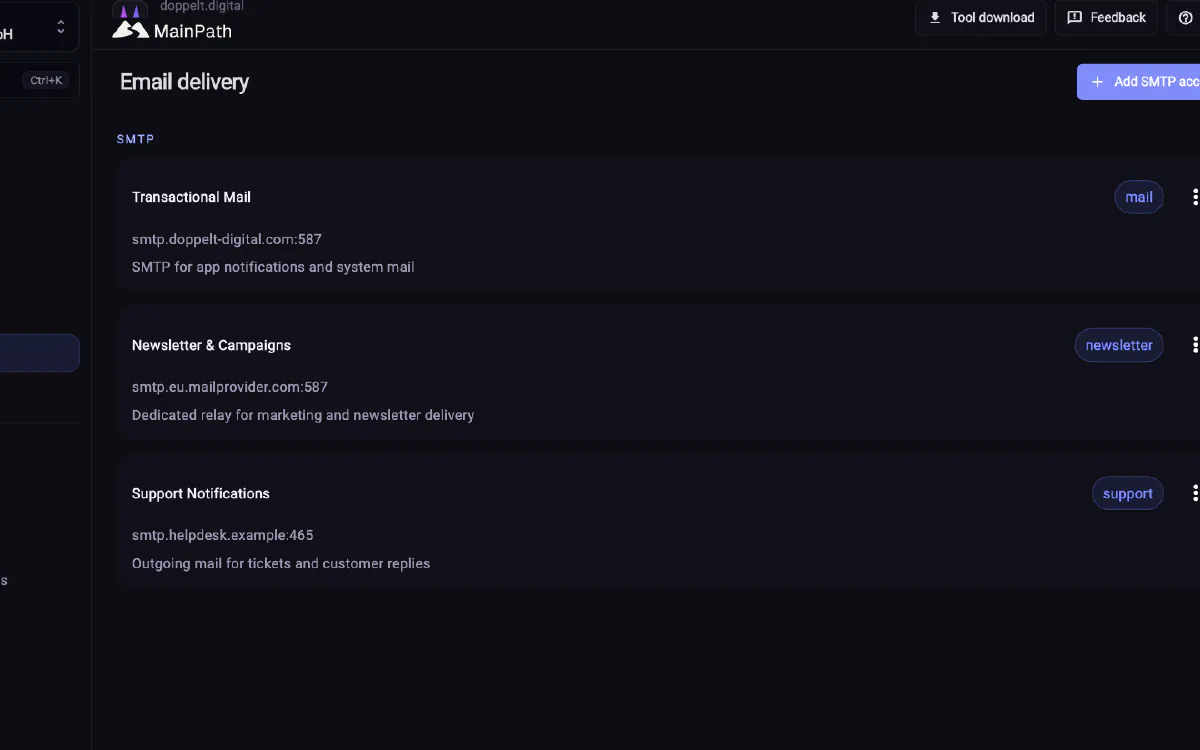
The Firebase key sits with one colleague, SMTP details live in an old configuration file, and access to the store account is only checked when a release is due. An incomplete key copied into a form may go unnoticed until the build runs.
The 3 August 2026 update reworks the connections area. It brings external service connections together and adds checks before saving. The credentials checked and the accounts you need to supply depend on the service.
Identify the service and account
Service selection uses a tile grid with provider logos. Existing connections appear as cards showing their type and account. When several Firebase accounts are used across projects, those labels help identify the relevant connection.
Two ways to connect Firebase
Firebase can be connected through OAuth or a service account JSON file. OAuth lets you sign in through your Google account. A service account suits automated workflows and credentials that should not belong to one person.
New Firebase projects can be created during setup, including their folder and billing account assignments. The account needs the appropriate permissions. The Firebase guide explains how to prepare a service account and grant those permissions.
Mailtrap shows domains and plan limits
The update adds Mailtrap as a separate connection type. Its view shows domain usage and the limits of your plan. Demo domains are marked so you can identify them when planning production email delivery.
Use Sentry through your own connection
You set up Sentry through your own connection. Shared sign in is then configured for that Sentry organisation. The team uses its existing platform account there, with email and password or a passkey, without needing a separate Sentry password.
Your own connection remains a requirement: Sentry is only set up when you have supplied one.
Find credential errors in the form
Firebase, SMTP and Mailtrap credentials are checked before they are saved. A failed check appears in the setup form.
App Store and Play Store credentials are validated against the relevant store. MainPath loads existing apps when linking an account, so you can choose the bundle ID and package name from a list.
Sign and publish Windows applications
For Windows, the update adds Microsoft Store and Azure Artifact Signing. These connections support publishing and signing Windows applications.
Reuse organisation accounts across projects
Connections can be linked at organisation level through OAuth and then selected in your projects. Agencies working with both their own accounts and client accounts across several projects can use this arrangement. See the page for agencies for more about that workflow.
Mobile publishing also needs store accounts and signing keys. App store automation explains their role in the release process.