From template to release
A project begins with structure, conventions


Pipeline, servers and stores are ready before the team builds them.

How the day-to-day compares.
| Task |
 With MainPath
|
Without a platform |
|---|---|---|
| Project setup | Fully covered: Repository, project structure, CI/CD pipeline, server connection, domain | Not offered: The first weeks go into fundamentals rather than product |
| Web and mobile at once | Fully covered: One project holds frontend, backend | Partly covered: Separate setups per platform, each with its own pipeline |
| DevOps knowledge on the team | Fully covered: Server baseline, databases, reverse proxy, SSL, firewall | Not offered: One developer becomes the part-time infrastructure owner |
| Deployment | Fully covered: Every merge runs through the same GitLab CI pipeline for test, build | Partly covered: Deployments depend on scripts and on whoever wrote them |
| Store releases | Fully covered: App Store, Play Store and Microsoft Store including metadata, screenshots | Not offered: Signing and store forms cost a day per release |
| Seeing production errors | Fully covered: Error tracking with Sentry once you connect your account under Connections. | Not offered: Users report bugs before the team notices them |
| Onboarding developers | Fully covered: Remote workspaces with VS Code, JetBrains, RDP or VNC start ready to use | Not offered: A day or two of machine setup, usually with loose ends |
| Due diligence | Fully covered: deployment configuration, audit log, roles | Partly covered: Details about operations and access get reconstructed for the data room |
| Growing into it | Fully covered: Extra environments, users, workspaces and CI minutes come as add-ons | Partly covered: A setup built for two people stops working at ten |
| Provider dependency | Fully covered: Repositories, pipeline configuration | Partly covered: Scattered services that each have to be replaced separately |
Green is covered, amber is partial, grey is not included.
Six things that matter between prototype and Series A.
A project begins with structure, conventions
Frontend, backend and mobile apps belong to the same project
Docker, databases, reverse proxy, SSL, firewall
Once you connect Sentry under Connections, production errors arrive
Audit log, roles, access rights and deployment configuration answer the questions that come up in a data room.
The MCP server, the mp CLI and the VS Code plugin connect Cursor
Pipeline for Customer App
The path is the same whether you are building a website or a mobile one.
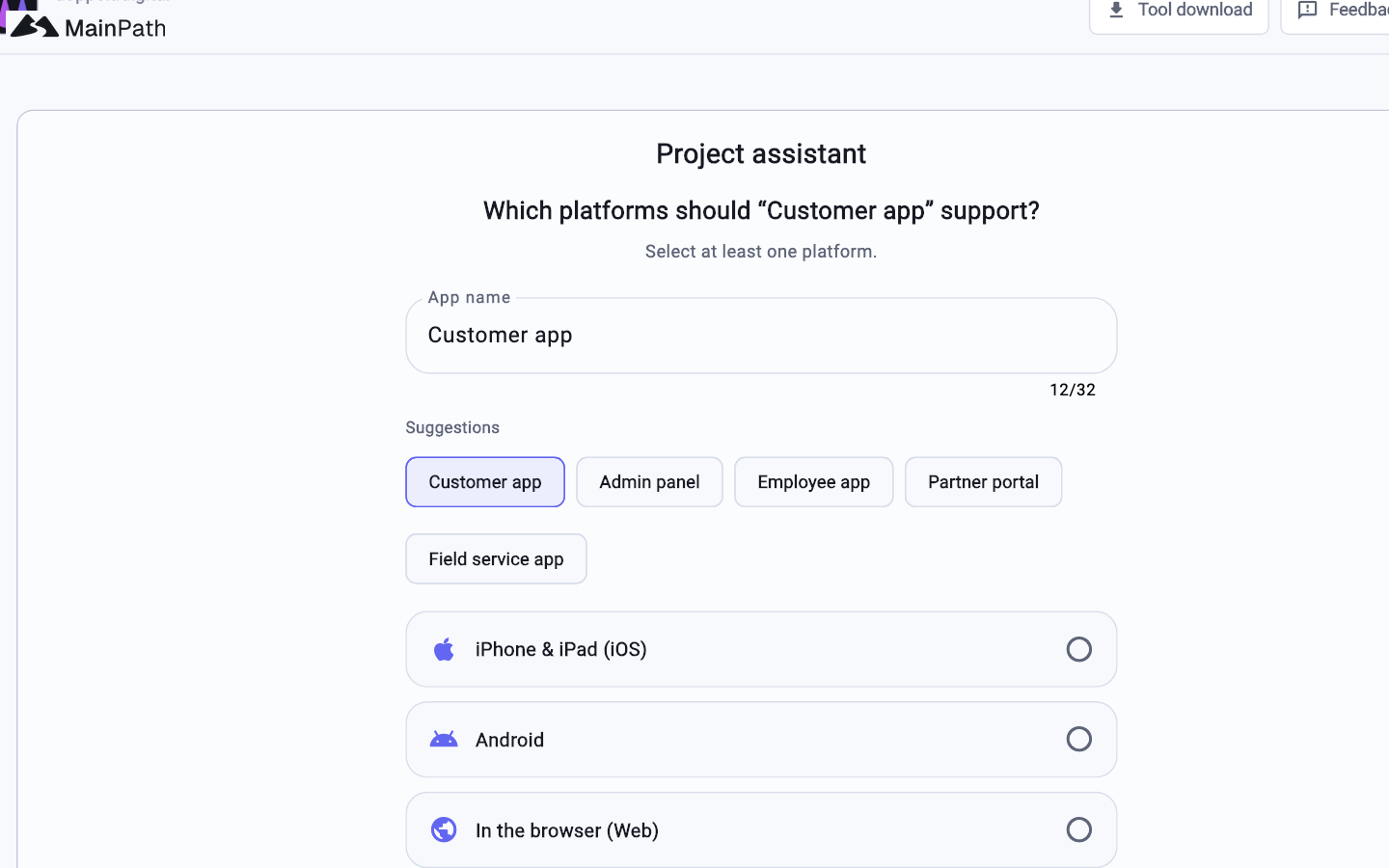
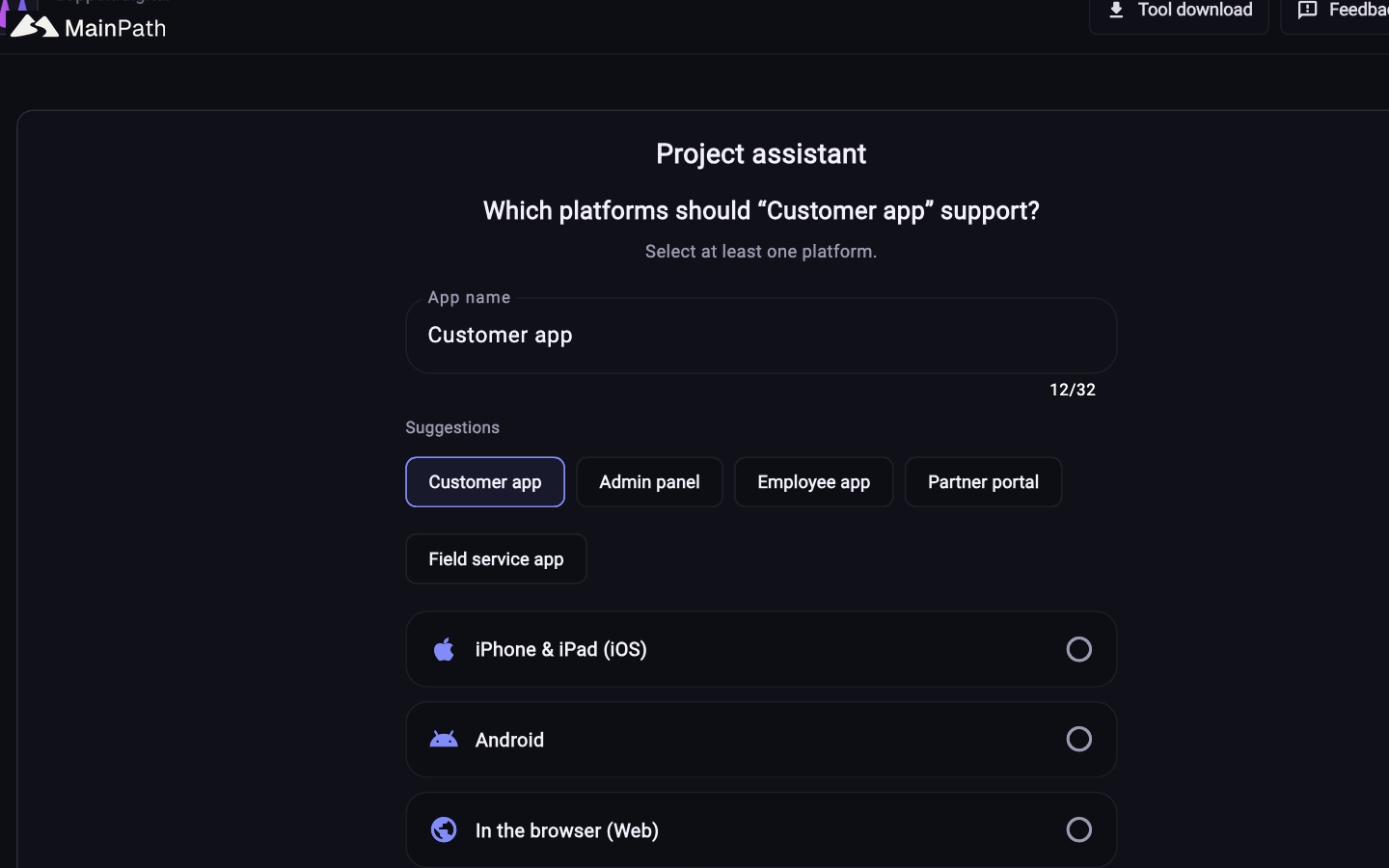
Pick name, platforms and stack in the wizard.
Use a managed server or attach your own over SSH.
Work locally with the MainPath Toolbox or in a cloud workspace.
The pipeline handles build, versioning and deployment.
No, that is the case MainPath is built for.
Yes. A project can contain frontend, backend
Pricing is a base price plus add-ons for extra users, workspaces and CI minutes, so you scale in small increments.
It answers a meaningful slice of the technical questions.
The code is entirely yours. Repositories live in GitLab

Tell us what you are building. We reply through the contact form.