

Use case
WordPress is the wrong tool once the site becomes a product
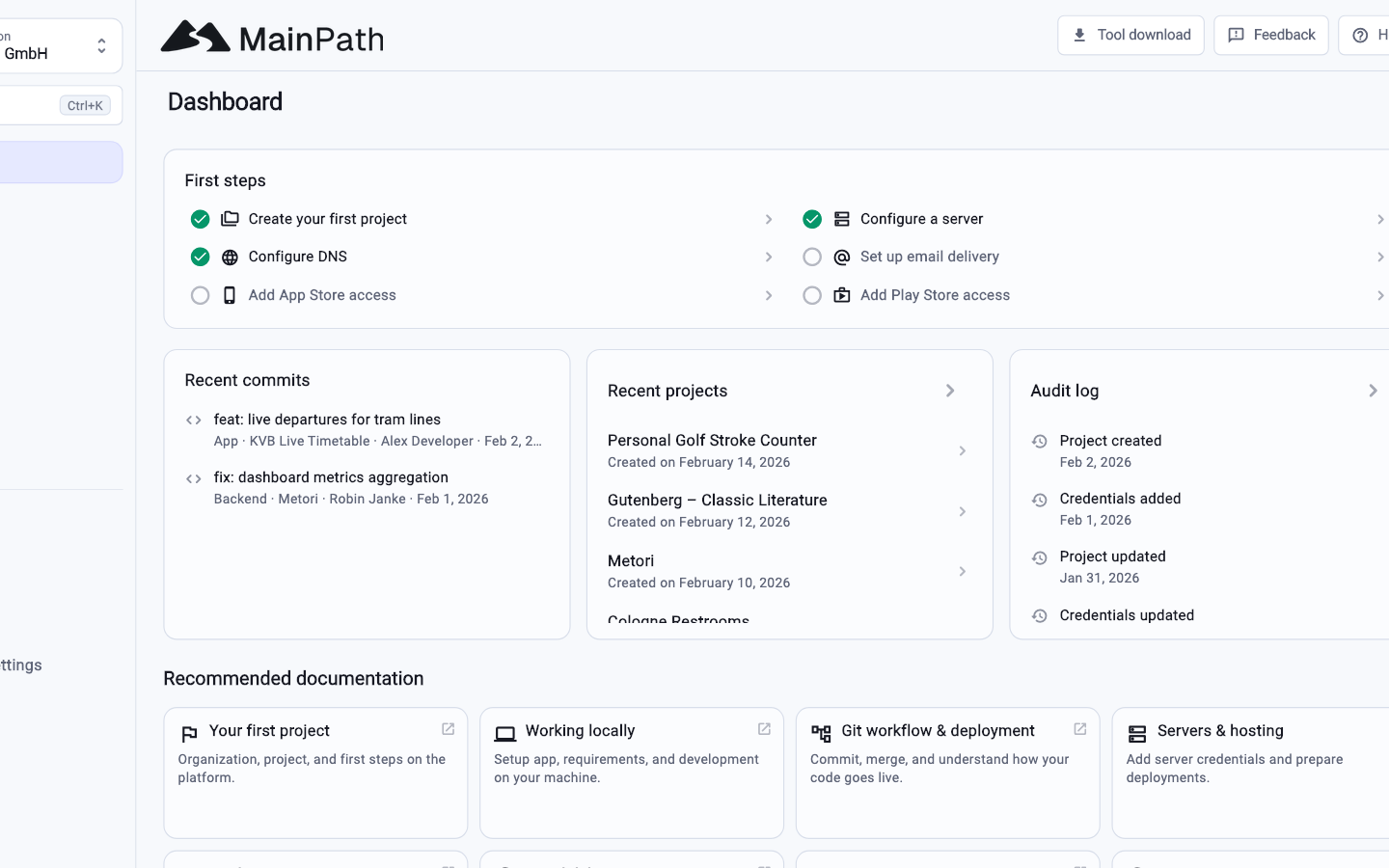
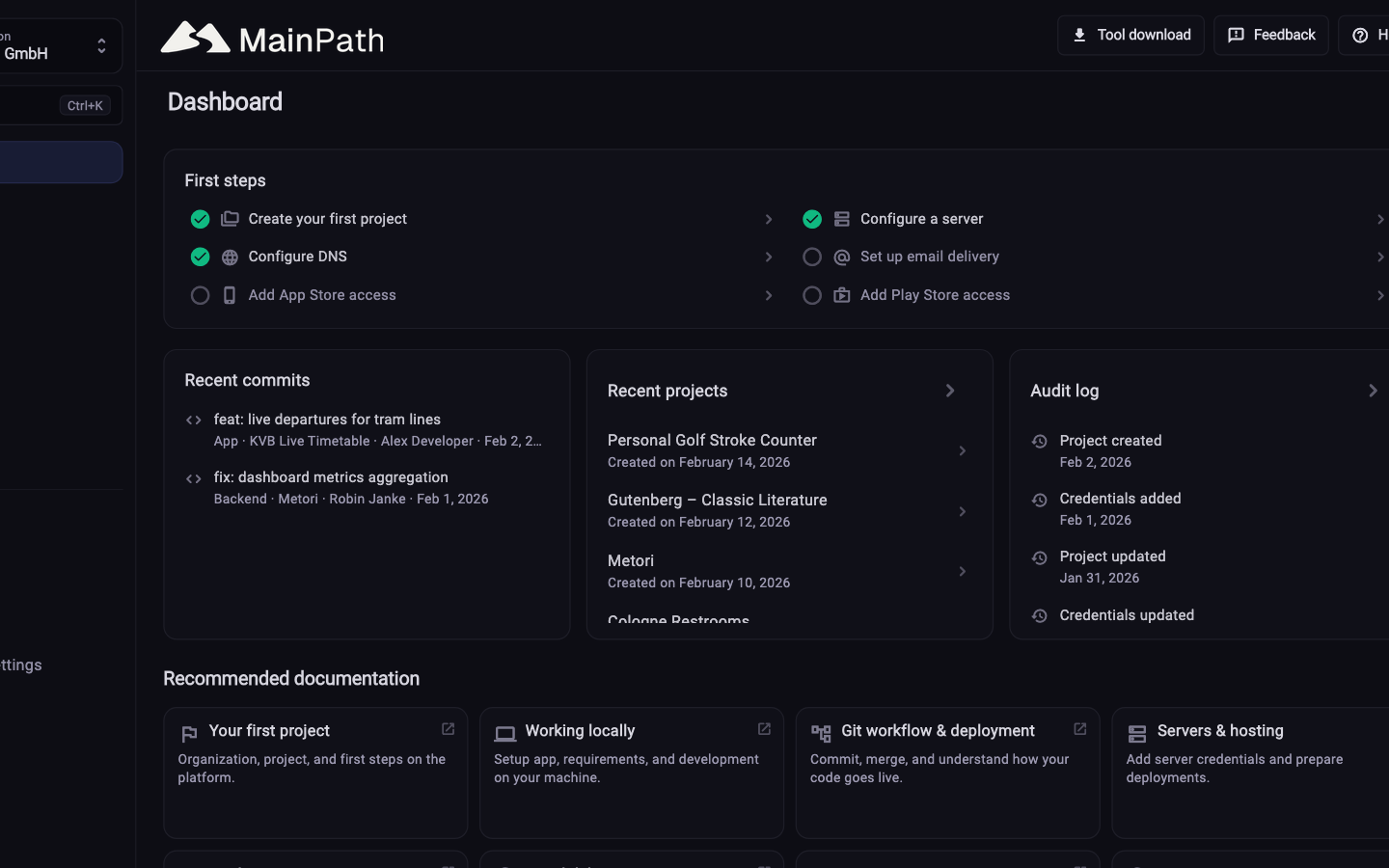
A brochure, a blog, an imprint: WordPress is enough. Once people log in, data lives there, an app appears or plugins carry the site, the rest of the chain is missing. That is what MainPath sets up.
- WordPress stays the right fit for editorial sites without custom application logic
- MainPath takes repository, CI/CD, servers, secrets and releases
- Mobile apps and store uploads are part of the product, not a plugin bolted on
Start for free. No credit card required.
In short
WordPress and MainPath solve different jobs. The switch pays off when the site is actually an application.
- WordPress fits when editors maintain content and little custom logic is needed.
- MainPath fits when backend, login, data, apps or repeatable deployments belong in the picture.
- Plugins do not replace CI/CD, server bootstrap or store releases.
- A Hugo or Astro site on MainPath can still cover the public website.
WordPress and MainPath side by side
The comparison is for typical use. A pure content project often stays simpler in WordPress.
Editorial website / blog
MainPath: Possible as a Hugo or Astro homepage in the project, no CMS backend
WordPress: Built for this, including editor and media
Custom application logic
MainPath: Backend as NestJS, Laravel, FastAPI or similar in the same project
WordPress: Plugins and custom PHP, often without tests or a pipeline
Repository and version control
MainPath: GitLab repository is created with the project
WordPress: Optional, often just files on the host
CI/CD through to deployment
MainPath: GitLab CI with test, build, publish and release
WordPress: FTP, hosting panel or one-off deploy plugins
Own servers with SSH
MainPath: Bring-your-own or managed server, bootstrap included
WordPress: Usually shared hosting without machine access
Mobile apps and stores
MainPath: Flutter, Expo, native projects, metadata and uploads
WordPress: Not part of the product
Secrets and access
MainPath: Credential management, passed into environments
WordPress: wp-config, hosting panel, often shared logins
Where processing happens
MainPath: Operated in the EU, data processing agreement
WordPress: Depends on the host; core and many plugins are US-centric
Green is covered, yellow partial, grey not in scope. WordPress wins on pure content. Once it becomes software, the rest is missing.
As of 4 September 2026. This comparison describes typical workflows and can differ from project to project. Logos are trademarks of their owners and are used only to identify the product.
What you get instead of a plugin stack
The work that sits beside the theme in WordPress projects.
Readable pipelines
Test and release live in the repository. No plugin deploy, no hoping the host keeps the PHP version.
Servers that are yours
Docker, database, reverse proxy, SSL, firewall and backups are set up. You keep SSH.
Apps into the stores
The same organisation can build and publish the native app without a second product next to it.
Access and audit
Per-person access, traceable changes. No shared wp-admin URL for everyone.
acme / customer-app
-
customer-appFlutter app for iOS, Android, and web
-
backendAPI and server logic with Docker setup
-
homepageMarketing site and public content
-
e2e-testsEnd-to-end tests against dev and staging
-
gitops-configurationDeployment configuration for dev and prod
-
local-configurationWorkspace, IDE, and agent configuration
-
gitlab-profileProject documentation and README
How to check whether WordPress still fits
No pressure to move. The questions are often enough to send the right page.
-
Is it mostly content?
If editors swap copy and little else happens, WordPress stays the simpler tool.
-
Does the site hang off plugins?
Login, shop, forms, membership, API: that is application logic. It belongs in a backend, not five plugins.
-
Is an app coming?
Once iOS or Android is in play, WordPress stops being a platform. MainPath takes app and backend in one project.
-
Plan the move
The migration page spells out what can be transferred and what is rebuilt.
Frequently asked questions
Is MainPath a WordPress host?
No. It does not host wp-admin instances or install themes. It sets up software projects: repos, pipelines, servers, optionally apps.
Can I still have a public website?
Yes, as a Hugo or Astro homepage in the project. Editing goes through Git or MainPath homepage editor, not the WordPress editor.
What about WooCommerce?
A shop in WordPress stays a WordPress project. MainPath does not replace it one-to-one. If the shop is only an add-on to your own application, that logic belongs in the backend.
Do I lose the visual editor?
There is no WordPress block editor here. Content and layout live in the repository and follow the same review path as the rest of the code.
Who should not switch?
Blogs, company sites without login, campaign microsites. That is what WordPress is for. Send this page only when the website has become a product.
See MainPath yourself
Create a free account and start a project. The chain is created with it. No WordPress underneath.
Start for free. No credit card required.